You saw it go by.
You find it again.
That restaurant you saw at 2 a.m. in a reel — you bookmarked it and never opened it again. This time, share the video to Sokka: it gets analysed, and the pin drops on your map.
 Google Play soon
A taste of it
A video goes in. An address comes out.
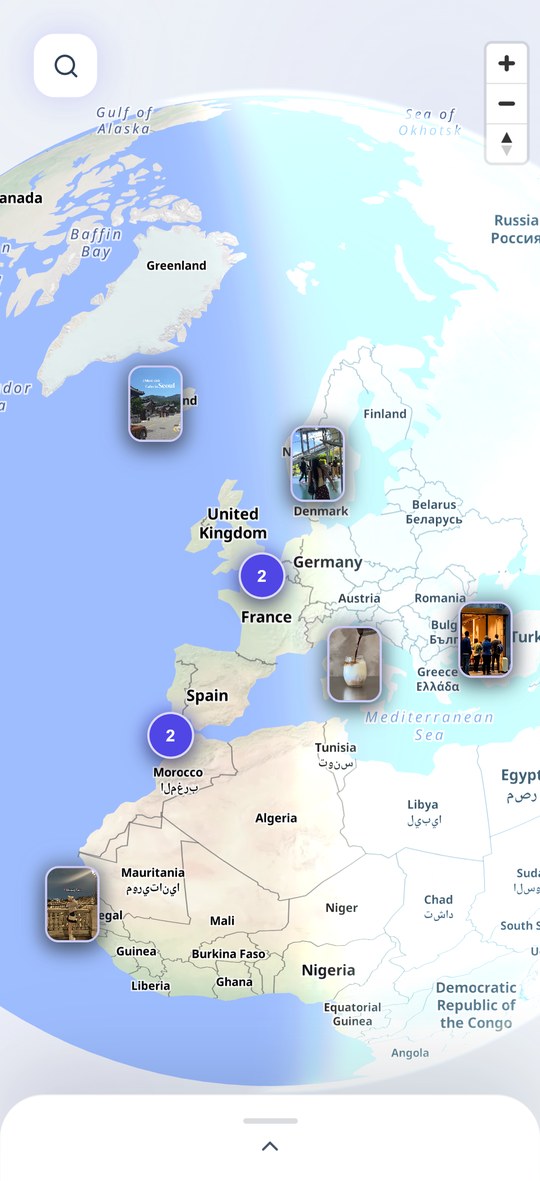
You share, the video is analysed, and the place lands on your map.
“the best bánh mì in the neighbourhood”
📍 Chez Tam · Paris 11th
“this rooftop is wild at sunset”
📍 Sky Lounge · Lisbon
“we’re going back on Sunday, promise”
📍 Café Mila · Lyon 2nd
“the lake is a 40-minute walk away”
📍 Lac Blanc · Chamonix
Why we do this
The problem is not finding them.
It is finding them again.
You come across ten good addresses a week. You save them. They vanish into a bookmark list nobody ever opens again — no name, no city, no way to put your hand back on them the day you are in the right neighbourhood.
An address is only worth something once it sits on a map, where you will run into it at the right moment. That is all Sokka does: turn a video into a point on your map, without you having to type anything.
What we promise
Not one more notes app.
No typing at all
Sokka sits in the “Share” menu of TikTok and Instagram. You share, and that is it — no address to copy out, no screenshots to sort through.
An address, not one more video
A saved video gets you nowhere. What you get here is a place: its name, its address, and directions when you need them.
Your map works without a network
The base map ships inside the app. The globe and your pins show up even underground, on a plane, or abroad without a data plan.
How it works
Three steps, that is all.
Share the reel
From TikTok or Instagram: “Share”, then Sokka. You can also paste the link by hand in the app.
The video is analysed
Nothing for you to do, it takes a few seconds. If no place comes out of it, the analysis is not counted against you.
The pin drops
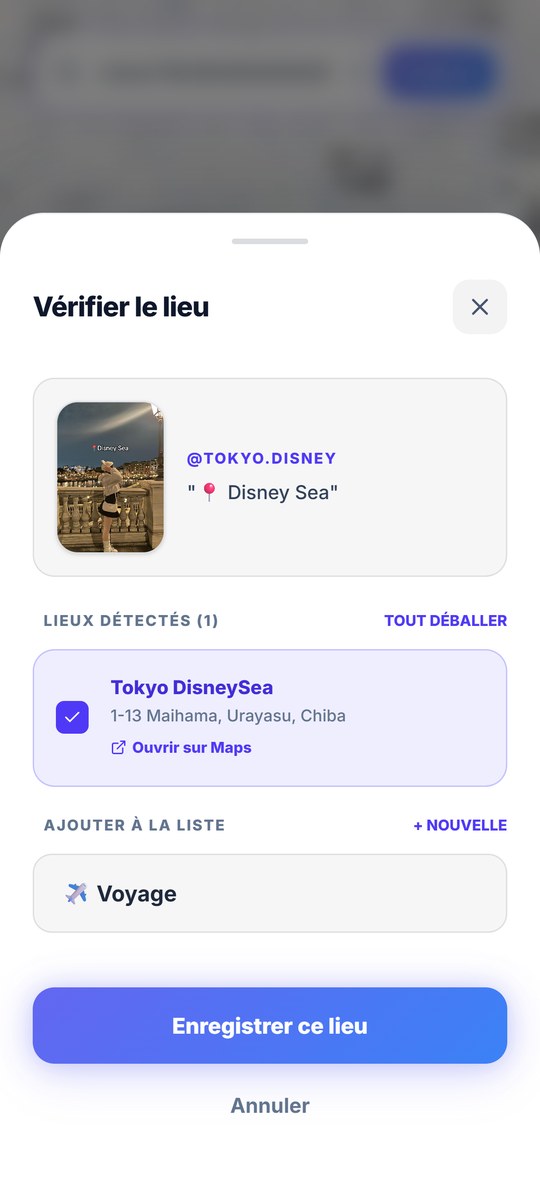
The place is added to your map, with its address and directions one tap away. You file it in whichever list you want.
The app in pictures
Meet Sokka.
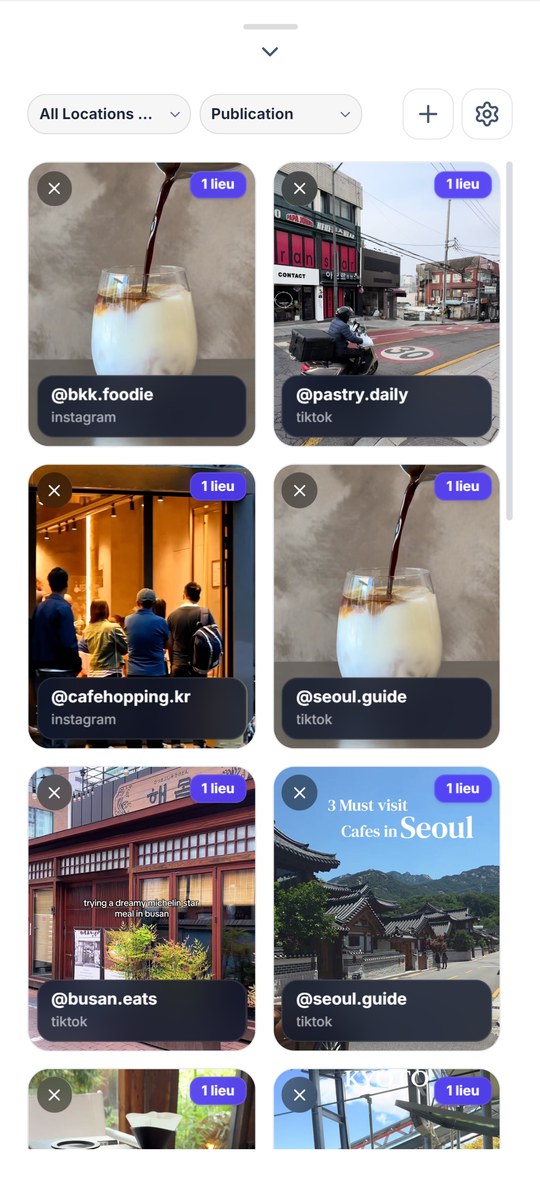
Your map, your lists, and the place that arrives on its own after a share.
Over to you
The next good address,
you keep it.
Sokka is on the App Store. The Android version is coming ; its link will be here as soon as it is live.
Google Play soon